




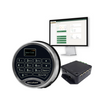
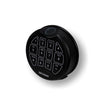
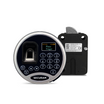
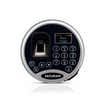
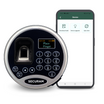
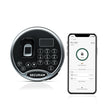


Upgrade to SECURAM
Safe Monitor
The Liberty Home Security App is no longer supported. Keep your safe protected — switch to the SECURAM Guard App in minutes.


Upgrade to SECURAM
Safe Monitor
The Liberty Home Security App is no longer supported. Keep your safe protected — switch to the SECURAM Guard App in minutes.
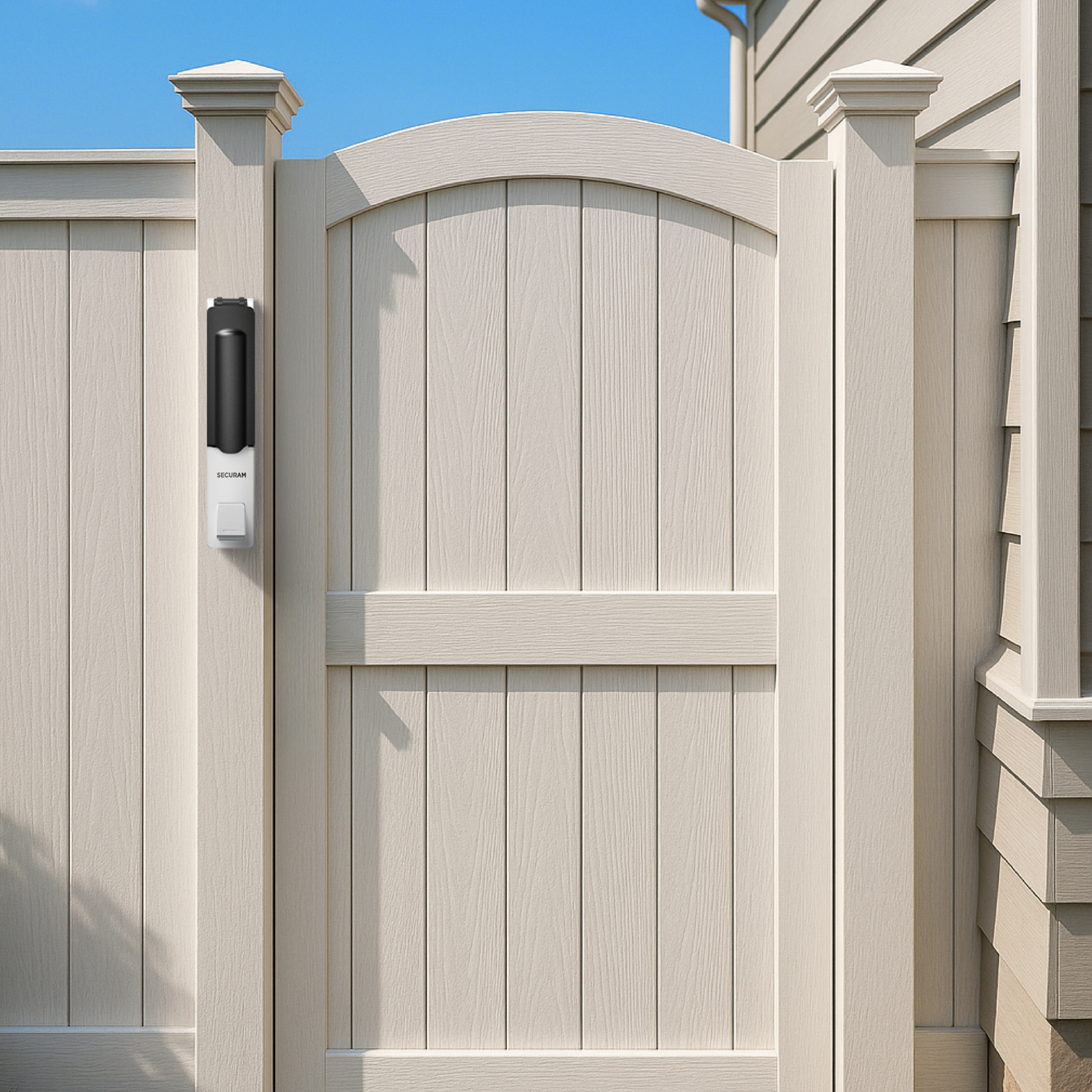
If you use the SECURAM Smart Monitor, you must switch to the SECURAM Guard App to maintain access and monitoring.
Find Your Situation
Not all customers are affected the same way. See which category applies to you.
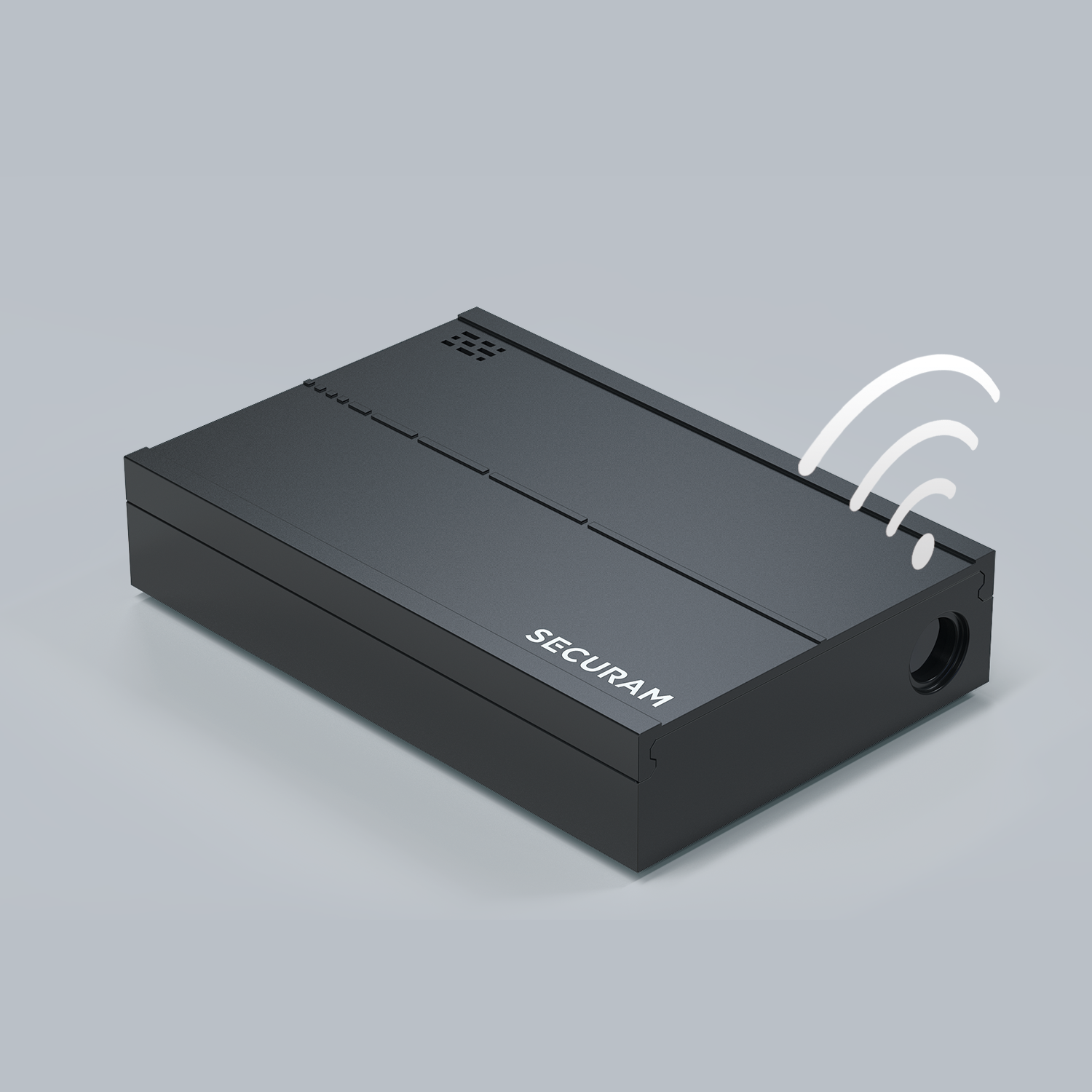
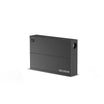
I Have the SECURAM Smart Monitor
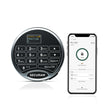
You need to download the SECURAM Guard App from the App Store or Google Play. Your existing account will be automatically migrated — no re-setup required. Just log in and you're protected.
Download the App →I Have the Clear SafElert (Elertus) Monitor
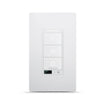
This transition does not affect your device. Continue using the Liberty app paired with your existing SafElert monitor. No changes are required — but an upgrade option is available if you're interested.

Better Protection, Smarter Control
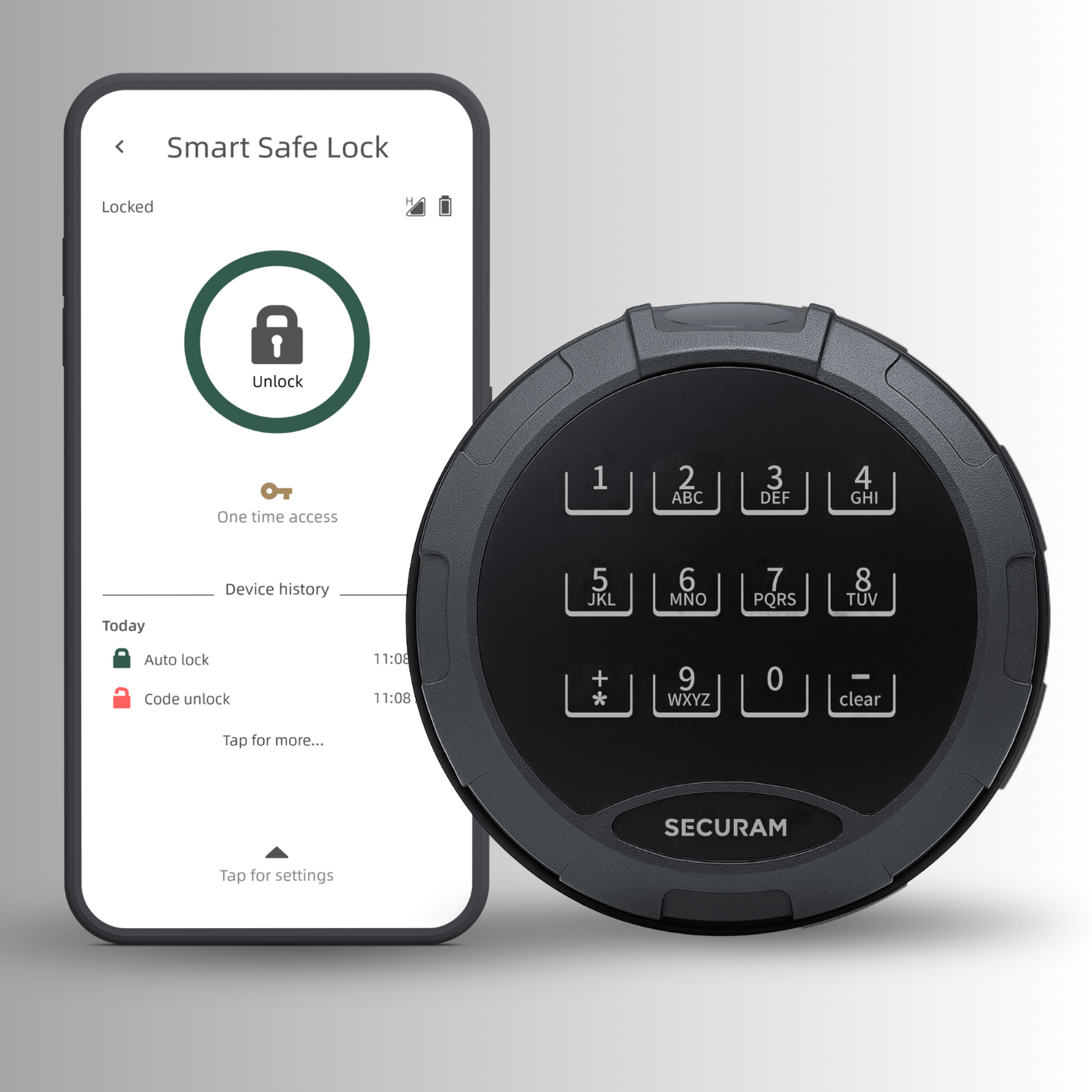
Everything you need to stay protected, in one app.
Check your safe status from anywhere in the world, anytime, directly from your smartphone.
Get real-time push notifications the moment your safe is accessed or tampered with.
Your existing account transfers automatically. Download, log in, and you're done.
Built on decades of expertise in high-security safe lock systems trusted worldwide.
Available on both platforms. Free to download with full feature access from day one.
Our tech team is available at techsupport@securamsys.com during your transition.
Three Steps. You're Done.
Switching takes less than 5 minutes.
Get the SECURAM Guard App free from the Apple App Store or Google Play Store.
Use your existing credentials. Your account migrates automatically — no new setup needed.
Your SECURAM Smart Monitor is connected and monitoring. You're all set.
Get SECURAM Guard
Free on iOS and Android. Your account migrates automatically — just log in.

Free download. Your account transfers automatically. No re-setup required.
Ready to Upgrade
Your Monitor?
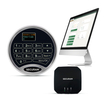
Take your safe security to the next level with the SECURAM Smart Monitor platform.